How do you design a tattoo with AI?
The short answer: describe your idea as subject + tattoo style + composition — for example "snake wrapped around a dagger, American Traditional, forearm-length" — in an AI tattoo generator like Tattoo AI, free on the App Store. Locking the prompt to a real tattoo style is what separates an inkable design from generic AI art. Then iterate, preview it on your own body, and bring the result to a real artist as a reference.
The prompt formula: subject + style + composition
Vague prompts get vague designs. "Cool wolf tattoo" produces the average of every wolf on the internet. A prompt that works has three parts:
- Subject — the thing, plus one specific detail. Not "a snake" but "a snake wrapped around a dagger." Not "flowers" but "peony with two buds."
- Style — a real tattoo style by name: American Traditional, Fine Line, Japanese, Realism, Neo Traditional, Script. This one word changes everything about line weight, shading, and color.
- Composition — the shape and scale: "forearm-length vertical," "circular, palm-sized," "half-sleeve flow."
Put together: "snake wrapped around a dagger, American Traditional, bold outlines, forearm-length vertical composition." That prompt gets you something an artist can actually work from.
Why the style matters more than the subject
Generic AI art is not inkable. Painterly gradients, dozens of colors, detail with no line structure — it looks great on a screen and has no path into skin. Tattooing is a craft with real constraints: lines have minimum widths, shading needs structure, ink spreads over decades.
Real tattoo styles evolved around those constraints. Traditional's bold 3–4mm outlines hold for decades. Fine Line's single-needle look holds crisp detail for roughly 5–10 years on smart placement. Japanese composition is built to flow with the body. When you name a style in the prompt, you're not picking a filter — you're picking a set of rules that make the design survivable as a tattoo. Tattoo AI generates in 16 styles for exactly this reason.
Iterate — the first result is a draft
Treat generation like a conversation. Run the prompt, look at what came back, and change one variable at a time: swap the style, tighten the subject, simplify the composition. Three or four rounds usually lands somewhere real. Two signs you should simplify: detail so dense you can't imagine it at wrist size, or elements that only make sense in color when you wanted black and grey.
The most useful iteration trick: run the same subject through two or three different styles. Seeing your snake-and-dagger in Traditional next to Fine Line next to Japanese tells you more about what you actually want than twenty subject variations.
How to do it in Tattoo AI
- Describe the idea — subject + detail + composition in a sentence. Plain language works; no prompt-engineering degree required.
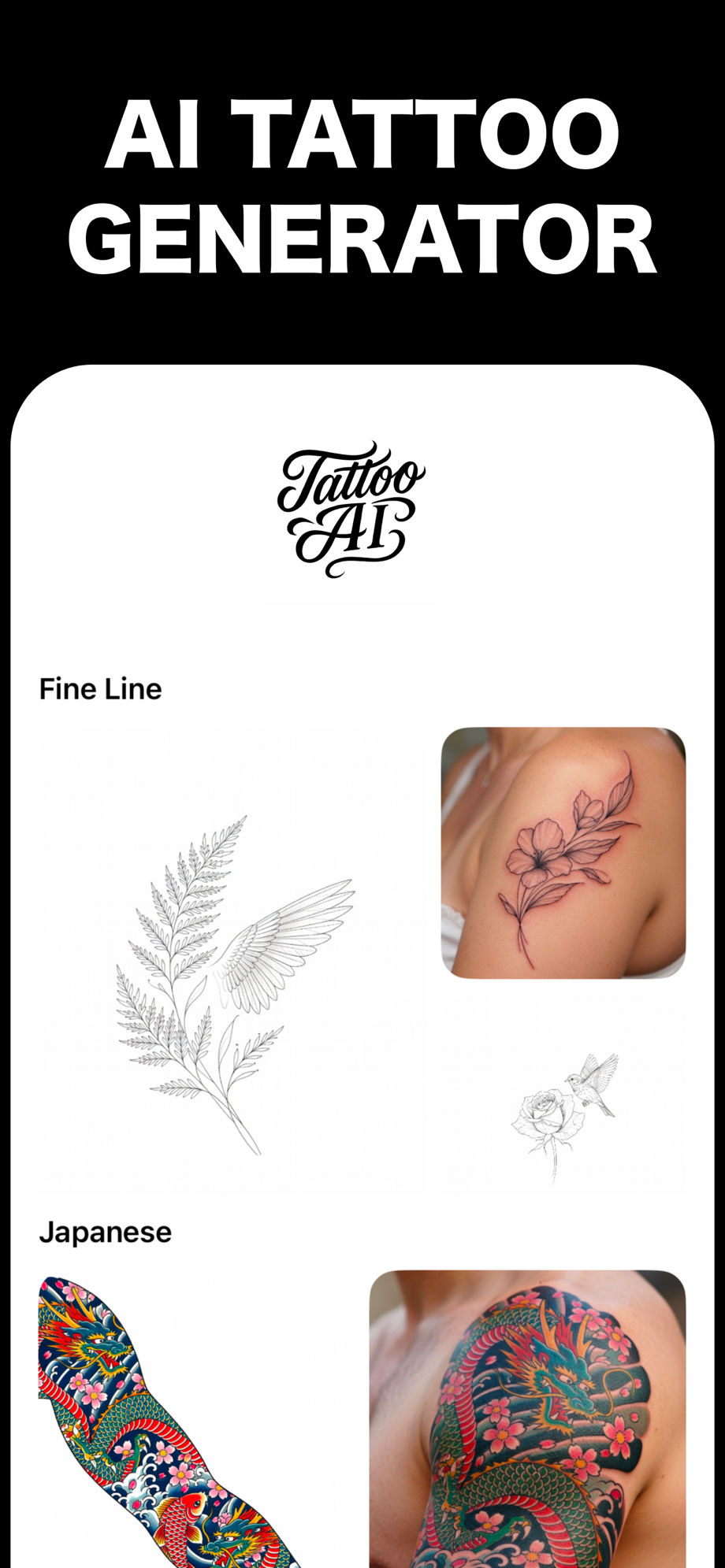
- Pick a style — choose from 16 real tattoo styles, from Traditional to Fine Line to Japanese. Try the same idea in two or three.
- Iterate — regenerate with one change at a time until it looks like something you'd wear for decades.
- Preview it on your body — upload a photo of the spot, then place, resize, and rotate the design to see it at real size before you commit.
Bring it to a real artist — as a reference, not a demand
An AI design is a brief, not a stencil. Artists work from client references every single day — Pinterest saves, photos of other tattoos, napkin sketches. An AI-generated design is a better version of the same thing: it shows your subject, your style, and your composition in one image.
Hand it over and say "this is the direction." A good artist will redraw it for your anatomy, fix line weights for longevity, and flag anything that won't age well. Don't ask them to trace it line-for-line — you're paying for their judgment, and the AI design is how you communicate yours.
Free on the App Store · iPhone & iPad